

Analyze rightsizing
- 19 Feb 2026
- 1 Minute to read
- Print
- DarkLight
- Download PDF
Analyze rightsizing
- Updated on 19 Feb 2026
- 1 Minute to read
- Print
- DarkLight
- Download PDF
Article summary
Did you find this summary helpful?
Thank you for your feedback!
Overview
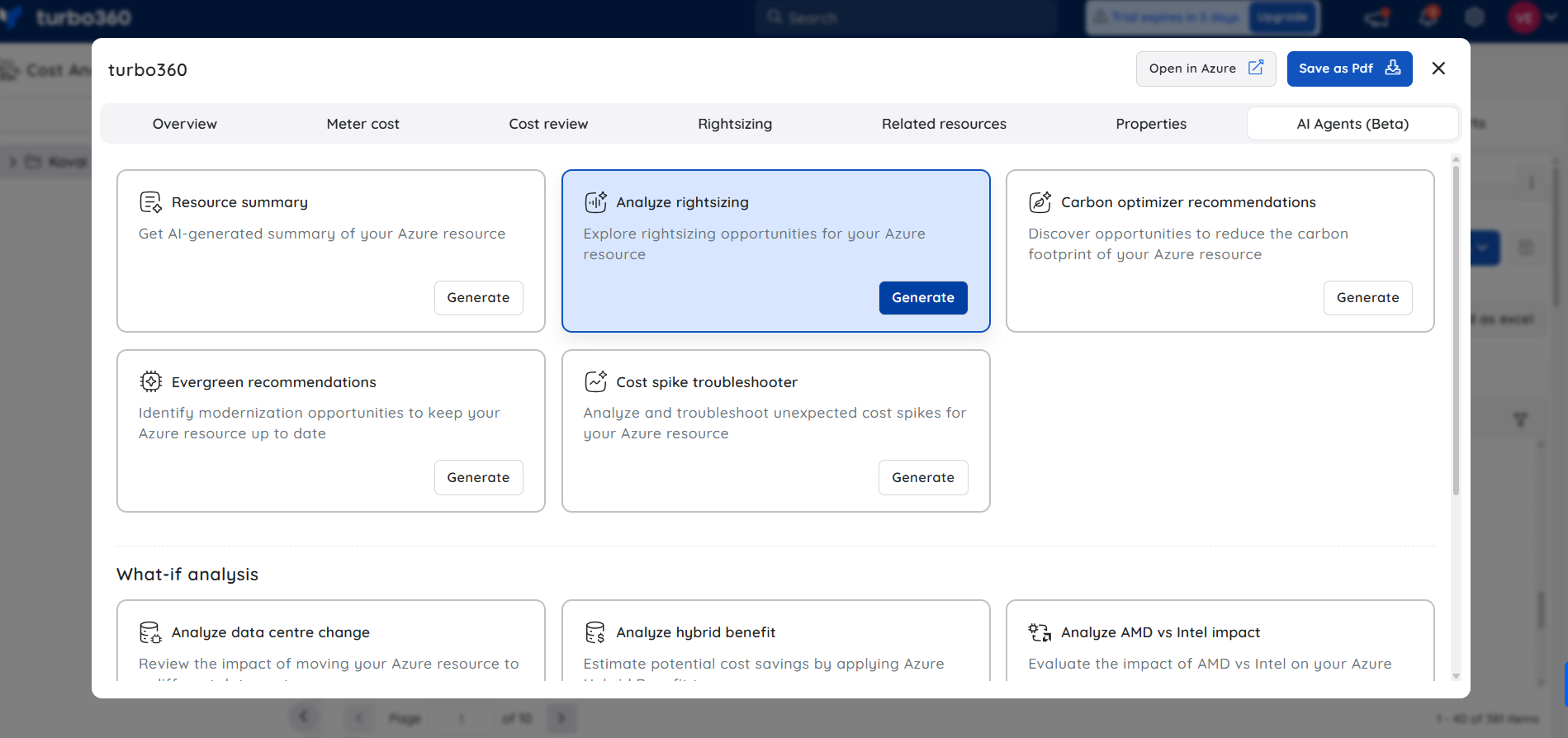
The Cost intelligence view in Cost Analyzer includes a built-in AI Agent, Analyze rightsizing, available under AI Agents, that provides intelligent, data-driven insights to optimize Azure resources for cost, performance, and efficiency. It evaluates usage, performance, configuration, and cost data to deliver actionable recommendations in a single consolidated view.
What the AI Agent analyzes
Resource usage and performance metrics
Cost and billing data
Configuration and SKU details
Azure Advisor recommendations
Custom recommendations from our platform
Historical usage and pattern analysis
Insight breakdown
1. Usage & performance overview
Shows how the resource is utilized, including average and peak usage, helping identify over- or under-utilization.
2. Rightsizing opportunities
Highlights potential actions such as resizing, SKU changes, or configuration adjustments based on observed usage.
3. Advisor & custom recommendations
Combines Azure Advisor insights with custom recommendations generated by our product for the specific resource.
4. Additional optimization opportunities
Includes analysis of:
- SKU and configuration changes
- Resource utilization
- Dev/Test subscription usage patterns
- Reservation opportunities
- Estimated monthly cost savings
- Historical and usage pattern analysis
5. Recommended actions & justification
Provides clear recommendations along with data-backed justification explaining why the action is suggested.
6. Cost & performance observations
Summarizes current vs optimized cost and expected performance impact.
7. Risk assessment
Evaluates potential risks of applying the recommendation, helping users make informed decisions.
Sample illustration
The image below highlights the insights provided by the AI Agent, that explores rightsizing opportunities for an Azure resource:
.png)
Note:
- This feature is currently in beta and may undergo changes as we continue to improve performance and reliability.
- Accuracy may vary. Always review and validate AI-generated outputs before using them in production environments.
- We encourage you to share feedback or report issues to help us enhance the feature before general availability.
Was this article helpful?