

Cost spike troubleshooter
- 23 Feb 2026
- 1 Minute to read
- Print
- DarkLight
- Download PDF
Cost spike troubleshooter
- Updated on 23 Feb 2026
- 1 Minute to read
- Print
- DarkLight
- Download PDF
Article summary
Did you find this summary helpful?
Thank you for your feedback!
Overview
The Cost intelligence view in Cost Analyzer includes a built-in AI capability, Cost spike troubleshooter, available under AI Agents, that analyzes and troubleshoot unexpected cost spikes for your Azure resource
It evaluates configuration changes, usage patterns, performance behavior, and historical spending trends to determine whether a true cost spike has occurred and what may have caused it.
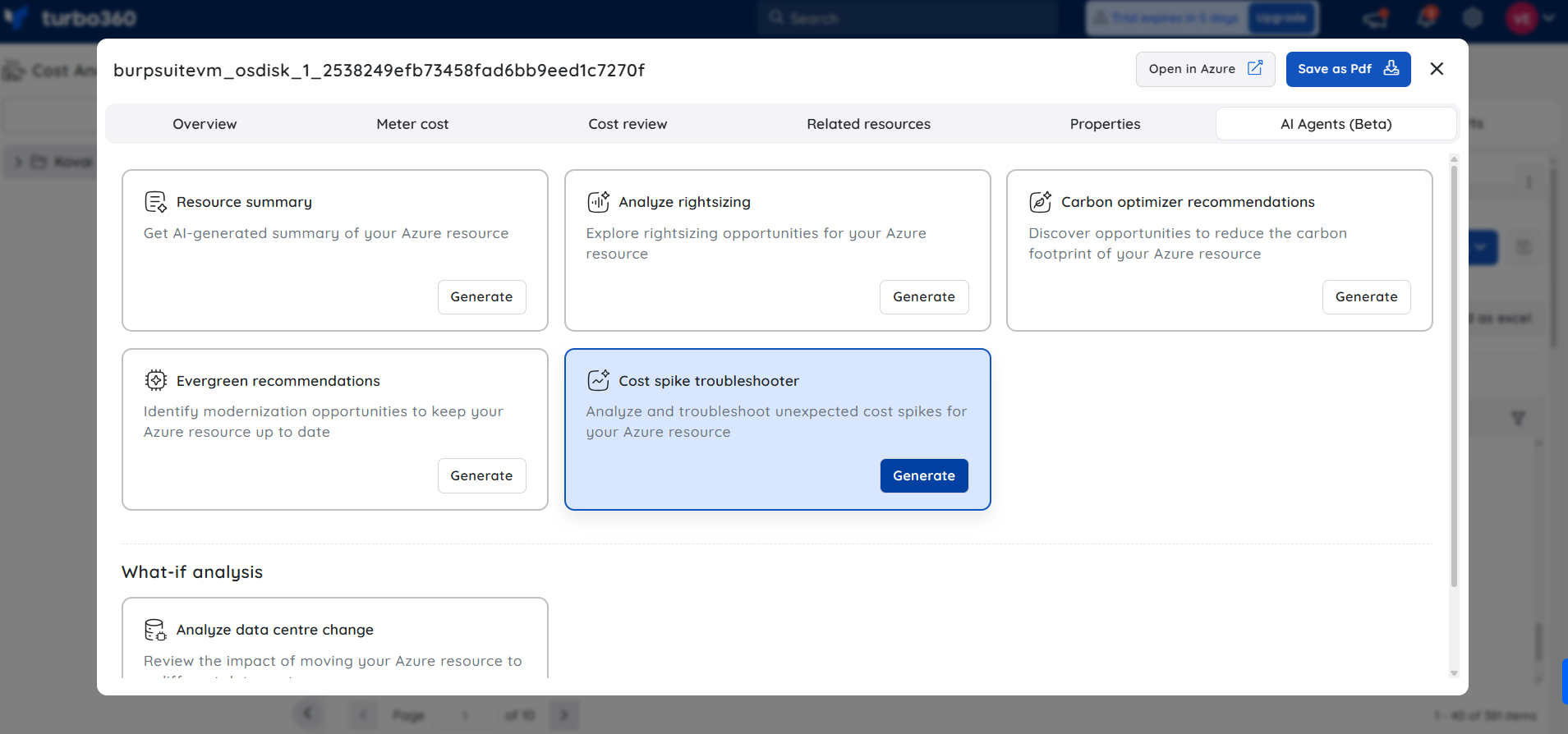
What the AI Agent provides
Resource details
A summary of the resource’s configuration, SKU/tier, capacity, region, and operational status to provide context for cost analysis.Cost & trend analysis
Review of recent daily and monthly spending patterns to:- Detect sudden spikes or sustained increases
- Identify abnormal cost behavior
- Confirm if costs are stable and predictable
Root cause analysis
Investigation of potential drivers such as:- Scaling or SKU changes
- Increased workload or usage intensity
- Configuration updates
- Inefficient operations
If no anomaly is detected, the agent clearly confirms cost stability.
Recommendations
Actionable guidance to control or optimize costs, including monitoring improvements, rightsizing, workload tuning, or configuration adjustments.Mitigation & risks
Preventive strategies to avoid future cost spikes and common mistakes (e.g., over-provisioning, lack of alerts, inefficient workloads). Potential risks of aggressive cost controls are also highlighted.
Sample illustration
The image below highlights the insights provided by the AI Agent, which analyzes and helps troubleshoot unexpected cost spikes for an Azure resource:
.png)
Note:
- This feature is currently in beta and may undergo changes as we continue to improve performance and reliability.
- Accuracy may vary. Always review and validate AI-generated outputs before using them in production environments.
- We encourage you to share feedback or report issues to help us enhance the feature before general availability.
AI-based Anomaly validation
The Automatic anomaly detection feature comes with AI capability, which evaluates detected cost anomalies to determine whether they represent a true anomaly or a false anomaly.
- The anomaly is labeled as True or False in the alert.
- An AI-generated justification is provided explaining the reasoning behind the classification.
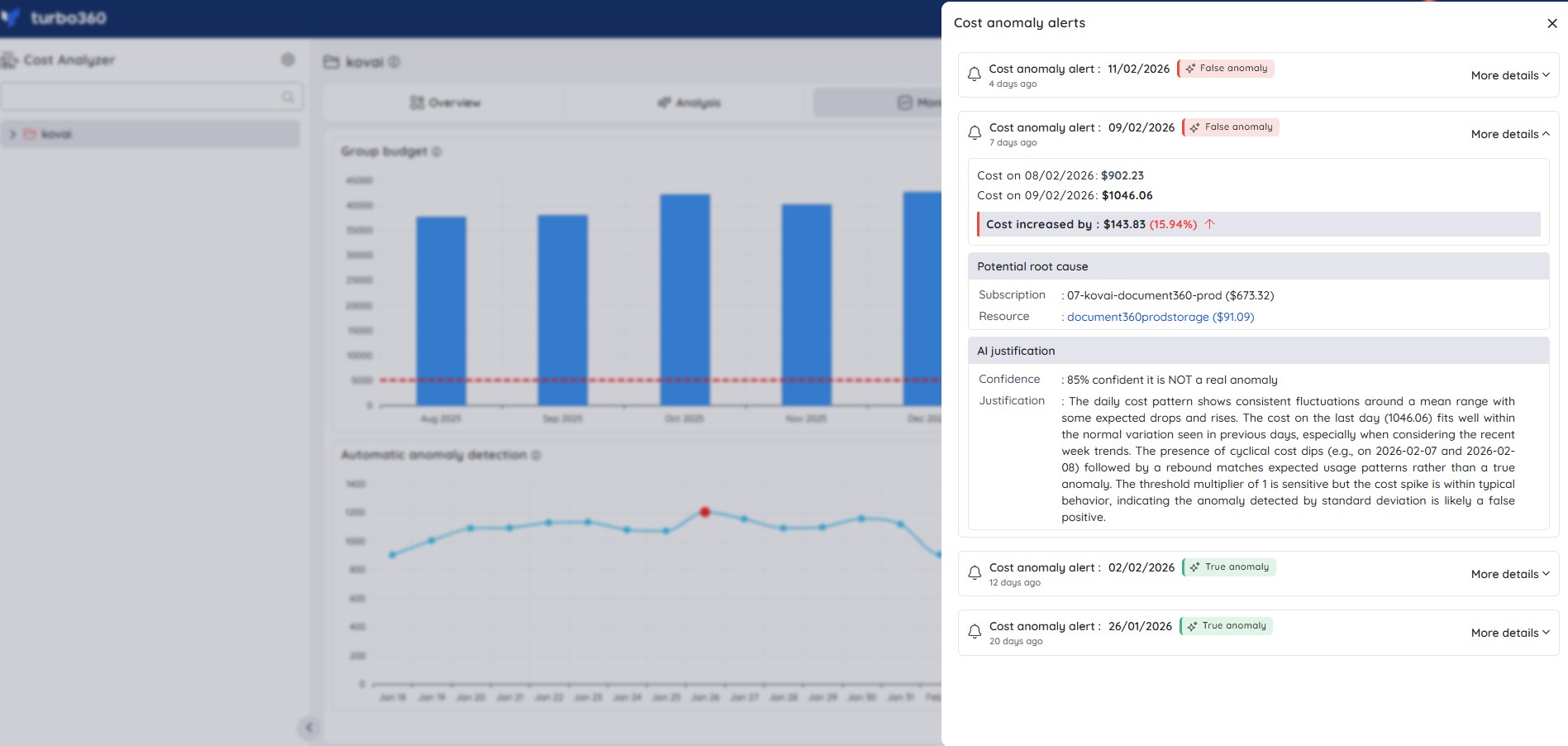
This helps users quickly differentiate between genuine cost issues and expected cost variations, reducing unnecessary investigation effort.
Was this article helpful?