

Inline automated tasks
- 05 Aug 2026
- 5 Minutes to read
- Print
- DarkLight
- Download PDF
Inline automated tasks
- Updated on 05 Aug 2026
- 5 Minutes to read
- Print
- DarkLight
- Download PDF
Article summary
Did you find this summary helpful?
Thank you for your feedback!
Overview
Inline automated tasks let you perform operations directly within a compatible resource — without navigating to the Automated tasks section. You can run these tasks immediately or save their configuration to schedule them for later execution.
When a configuration is saved, the schedule type appears as inline in the Automated tasks section.
Business value
Inline automated tasks reduce context-switching by letting you trigger operations — such as purging messages, resubmitting failed runs, or sending events — from within the resource itself. Teams responding to incidents or performing routine maintenance can act faster without building a separate automated task from scratch.
Prerequisites
Inline automated tasks are available for the following resources:
- Service Bus (queue, topic, topic subscription)
- Event Grid topic
- Event Grid domain
- Event Grid domain subscription
- Event Grid domain topic
- Event Hub
- Logic App
- Logic App Workflow (Standard)
- Storage file
- Storage table
- Storage queue
- Data Factory pipeline
- Synapse pipeline
- Power Automate Flow
- Runbook
- Databrick Workflow Job
Required permissions
The permissions required to execute an inline automated task depend on the resource type and the specific operation. In all cases, the Automated Task - Manage permission is required in addition to the resource-level permission listed below.
| Resource | Operation | Required permissions |
|---|---|---|
| Data Factory pipeline | Rerun failed pipeline runs | Automated Task - Manage + Resource: Manage + Reprocess |
| Databrick Workflow Job | Trigger job | Automated Task - Manage + Resource: Manage + Reprocess |
| Service Bus queue | Send message | Automated Task - Manage + Resource: Manage |
| Service Bus queue | Purge messages | Automated Task - Manage + Resource: Manage + Purge (minimum Read on resource) |
| Service Bus topic | Send message | Automated Task - Manage + Resource: Manage |
| Service Bus topic subscription | Purge messages | Automated Task - Manage + Resource: Purge (minimum Read on resource) |
| Event Grid domain | Send message | Automated Task - Manage + Resource: Manage |
| Event Grid domain | Purge messages | Automated Task - Manage + Resource: Purge (minimum Read on resource) |
| Event Grid domain subscription | Purge messages | Automated Task - Manage + Resource: Purge (minimum Read on resource) |
| Event Grid domain topic | Send events | Automated Task - Manage + Resource: Manage |
| Event Grid subscription | Purge messages | Automated Task - Manage + Resource: Purge (minimum Read on resource) |
| Event Grid topic | Send events | Automated Task - Manage + Resource: Manage |
| Event Hub | Send events | Automated Task - Manage + Resource: Manage |
| Logic App | Resubmit failed runs | Automated Task - Manage + Resource: Reprocess (minimum Read on resource) |
| Logic App Workflow (Standard) | Resubmit failed runs | Automated Task - Manage + Resource: Reprocess (minimum Read on resource) |
| Runbook | Create runbook job | Automated Task - Manage + Resource: Manage |
| Storage file | Purge files | Automated Task - Manage + Resource: Purge (minimum Read on resource) |
| Storage queue | Purge messages | Automated Task - Manage + Resource: Purge (minimum Read on resource) |
| Storage table | Purge messages | Automated Task - Manage + Resource: Purge (minimum Read on resource) |
| Synapse pipeline | Rerun failed pipeline runs | Automated Task - Manage + Resource: Manage + Reprocess |
How it works
Inline automated tasks are triggered or configured from within the resource panel. Each resource exposes only the operations applicable to it. When you save a task configuration, Turbo360 records it as an inline-type scheduled task in the Automated task section.
Both scheduled and on-demand (immediate) execution are supported. For advanced scheduling scenarios — such as complex recurrence rules or cross-resource orchestration — use the full Automated task feature instead.
Steps
Use the following steps to configure and run inline automated tasks. Navigate to the relevant resource within your Business Application to get started.
Service Bus
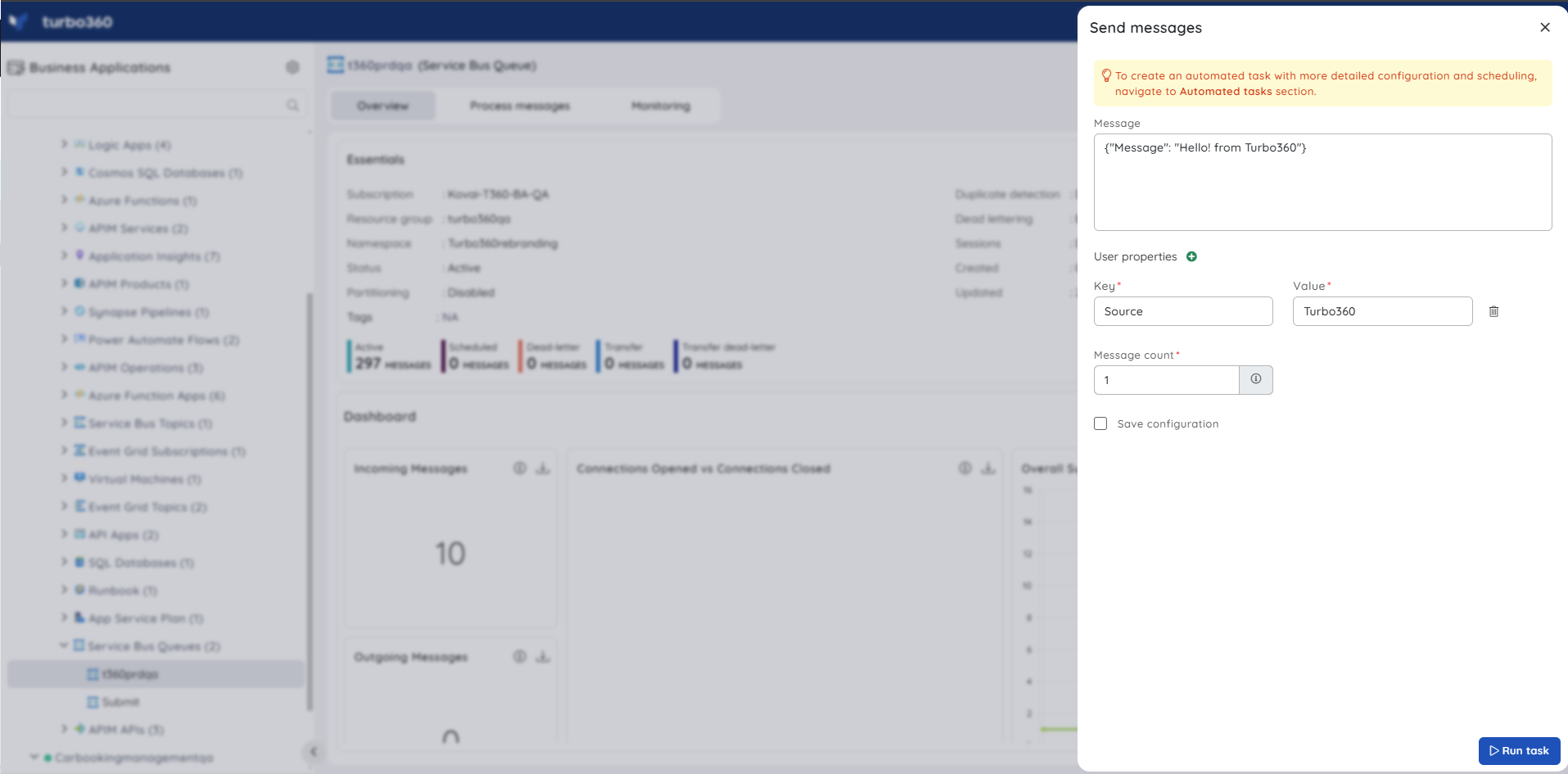
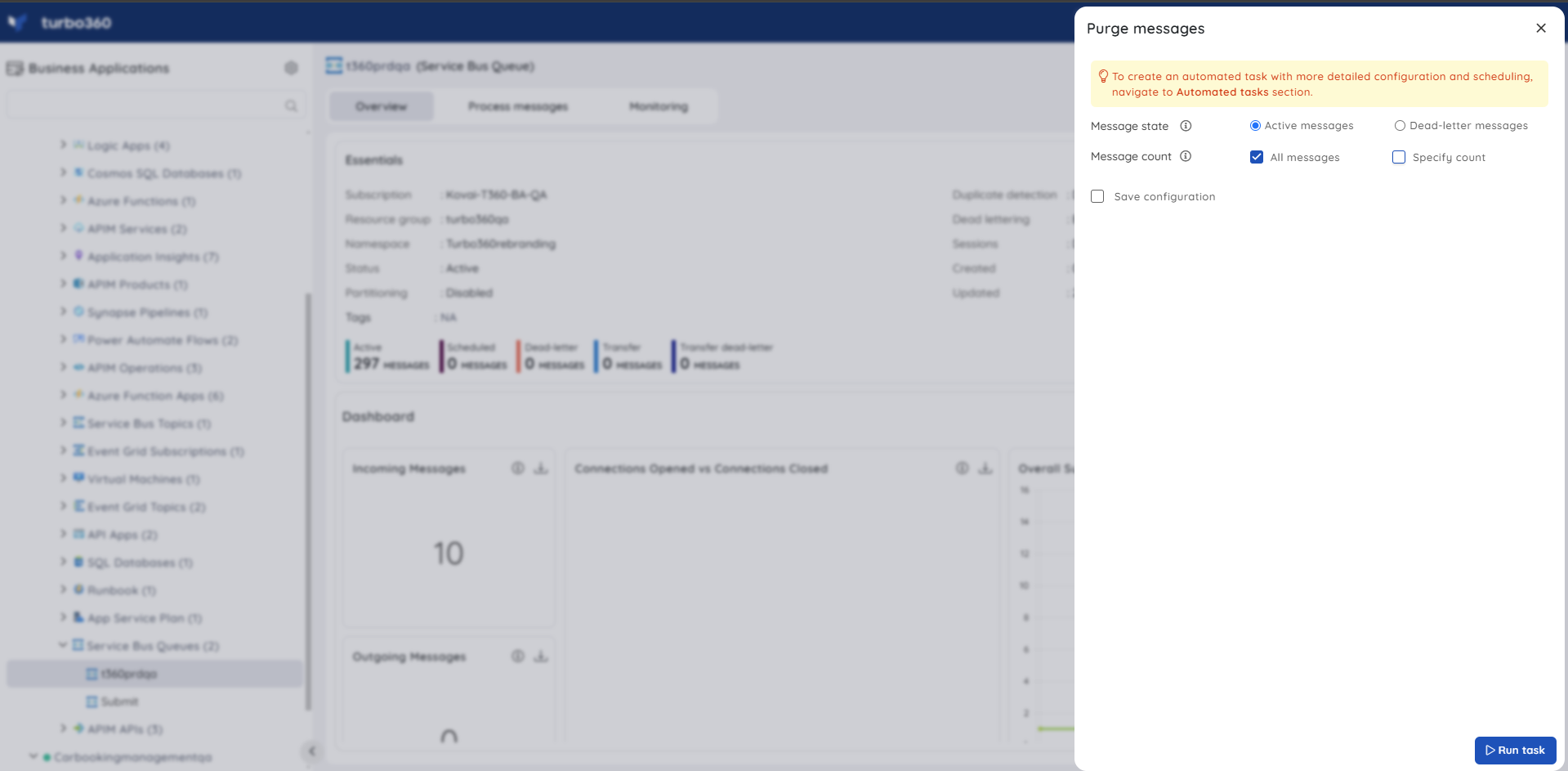
Service Bus supports inline automated tasks for the following operations: Process Messages, Send Messages, and Purge Messages.
You can send or purge messages between queues immediately or on a schedule.
Event Grid
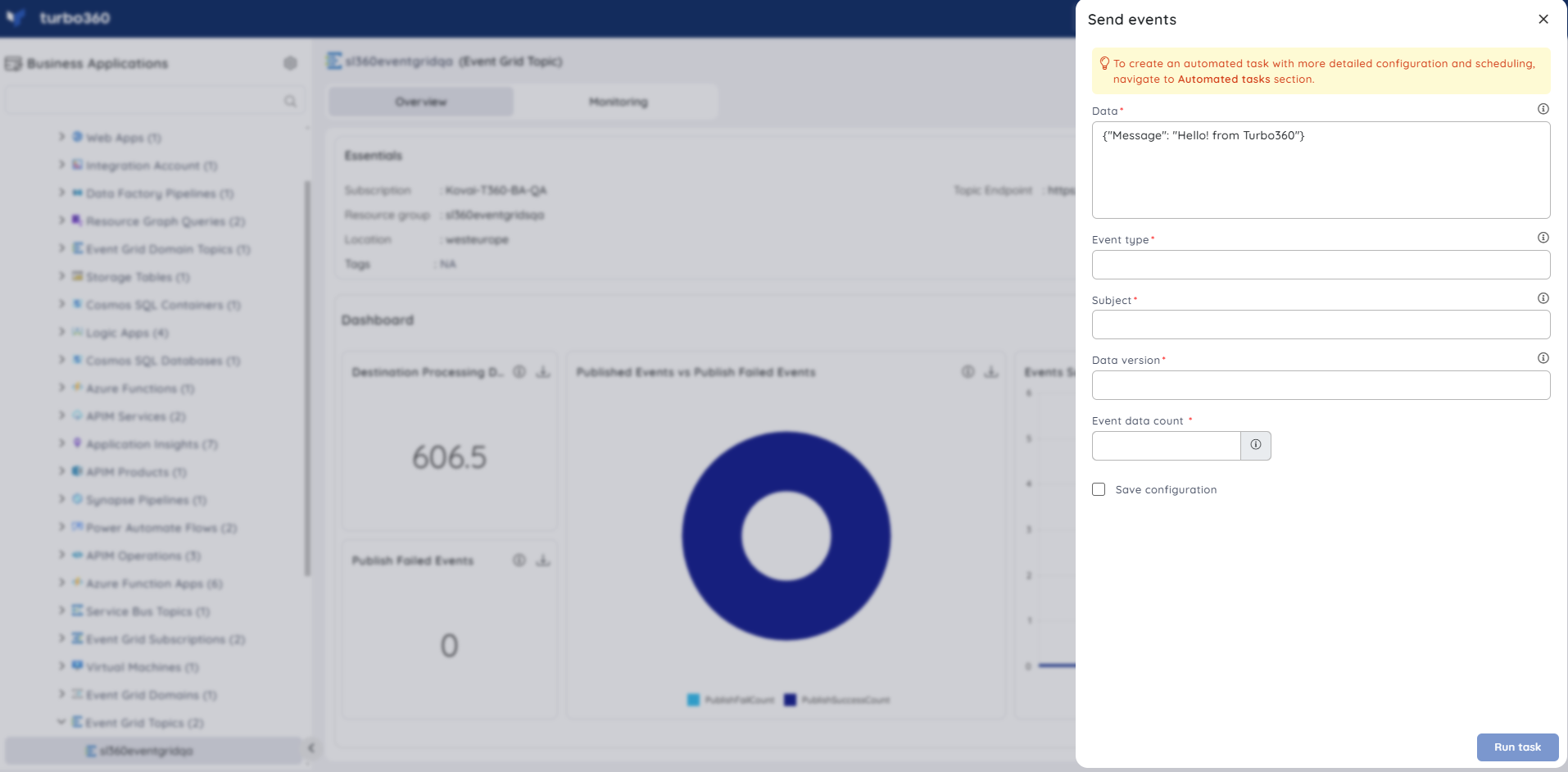
Event Grid supports inline automated tasks for sending events to any of the configured Event Grid topics.
Event Grid Domain
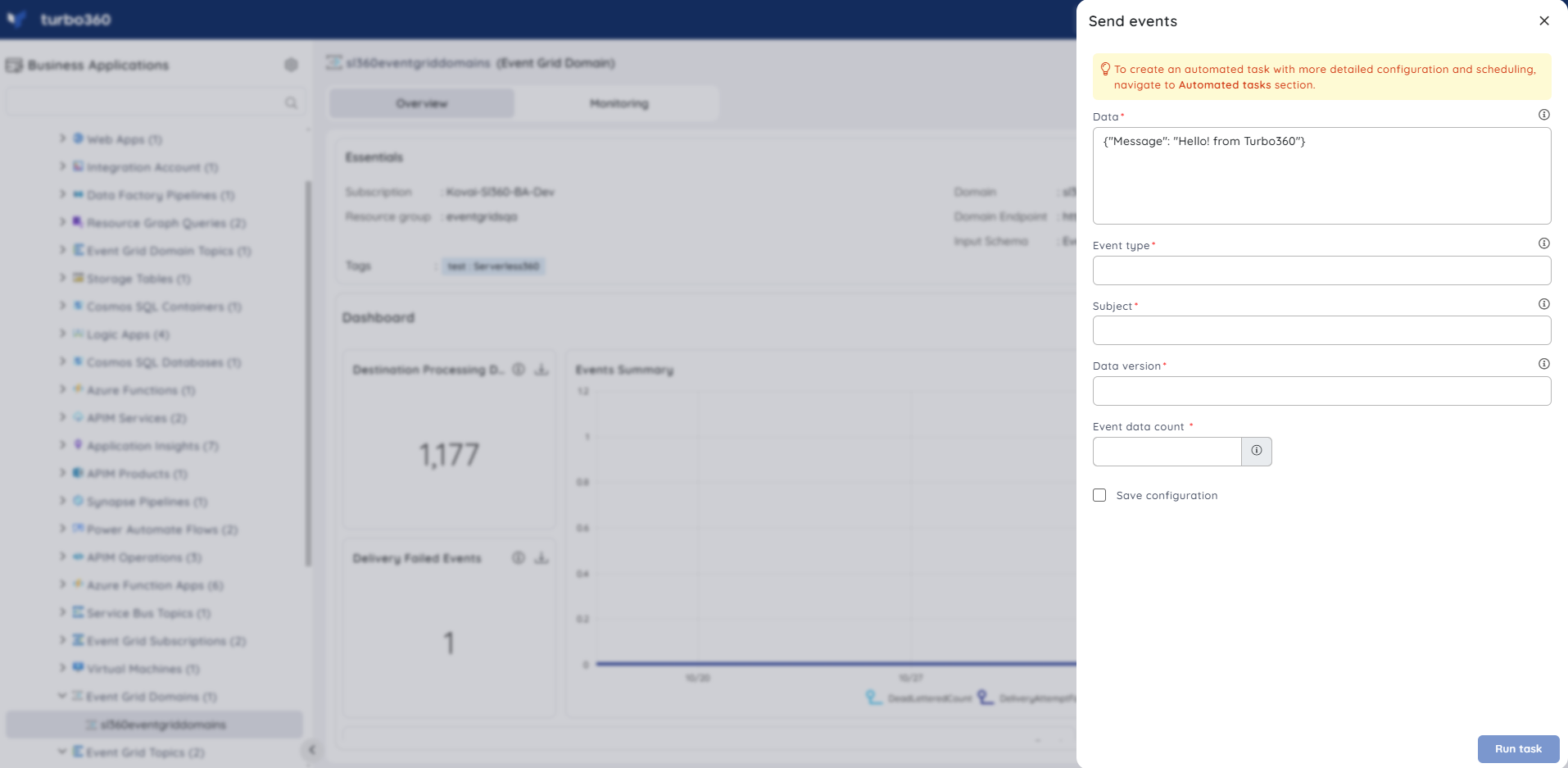
Event Grid Domain supports inline automated tasks for sending events to any of the configured Event Grid Domain topics.
Event Hub
Event Hub supports inline automated tasks for sending events to the configured event hub.
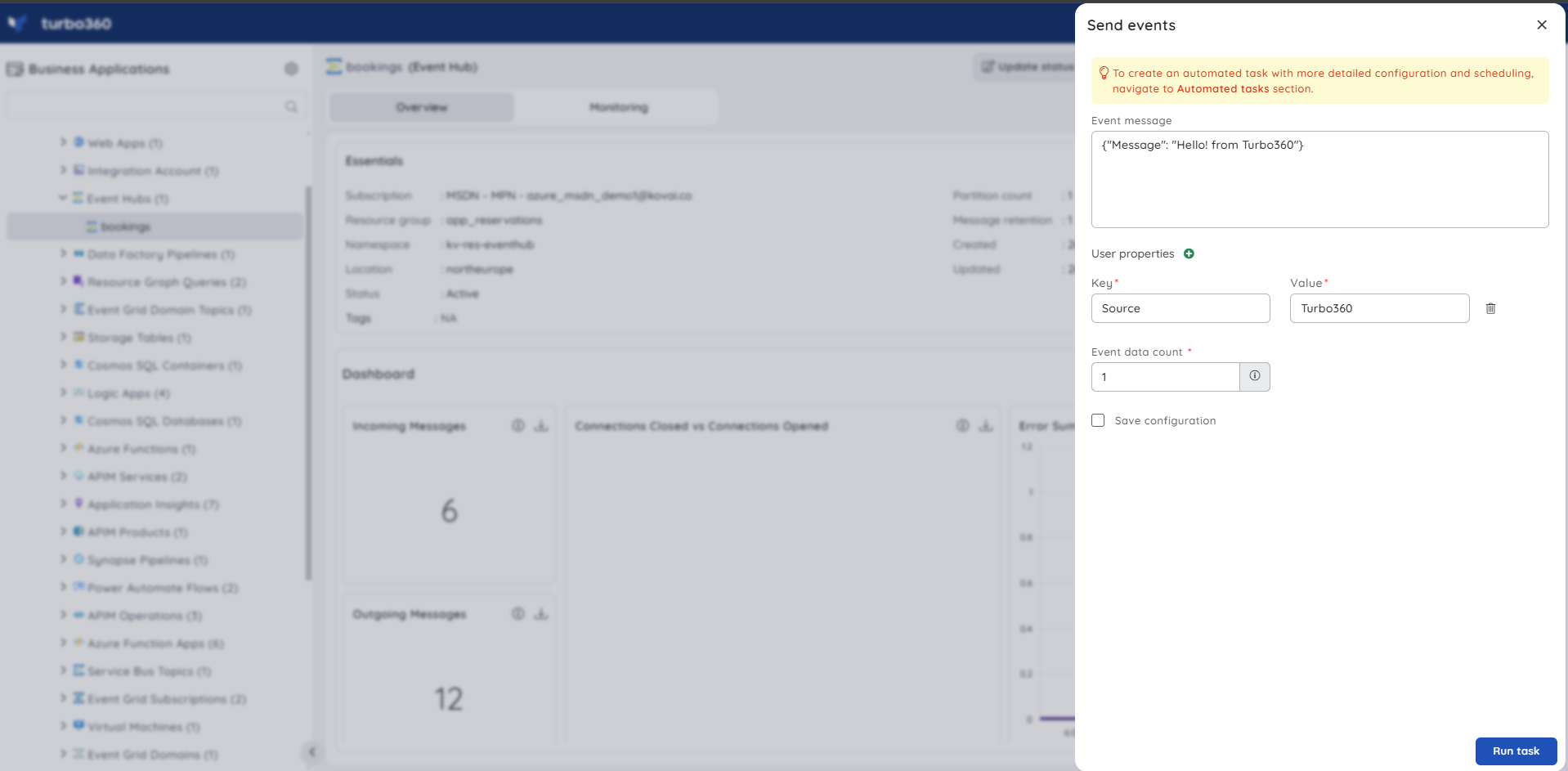
Logic App
Logic App supports inline automated tasks for resubmitting failed Logic App runs.
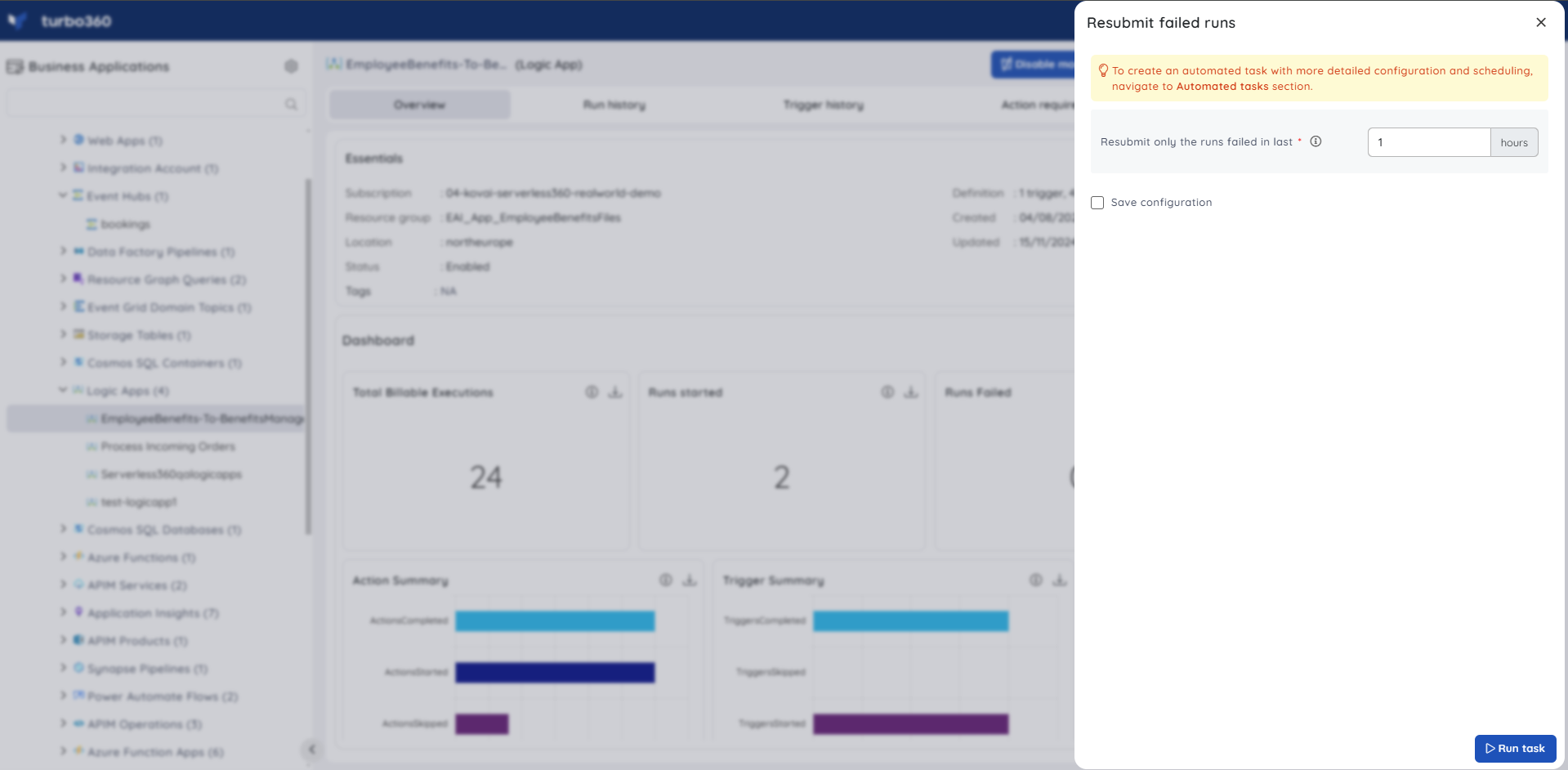
Logic App Workflow (Standard)
Logic App Workflow (Standard) supports inline automated tasks for resubmitting failed workflow runs.
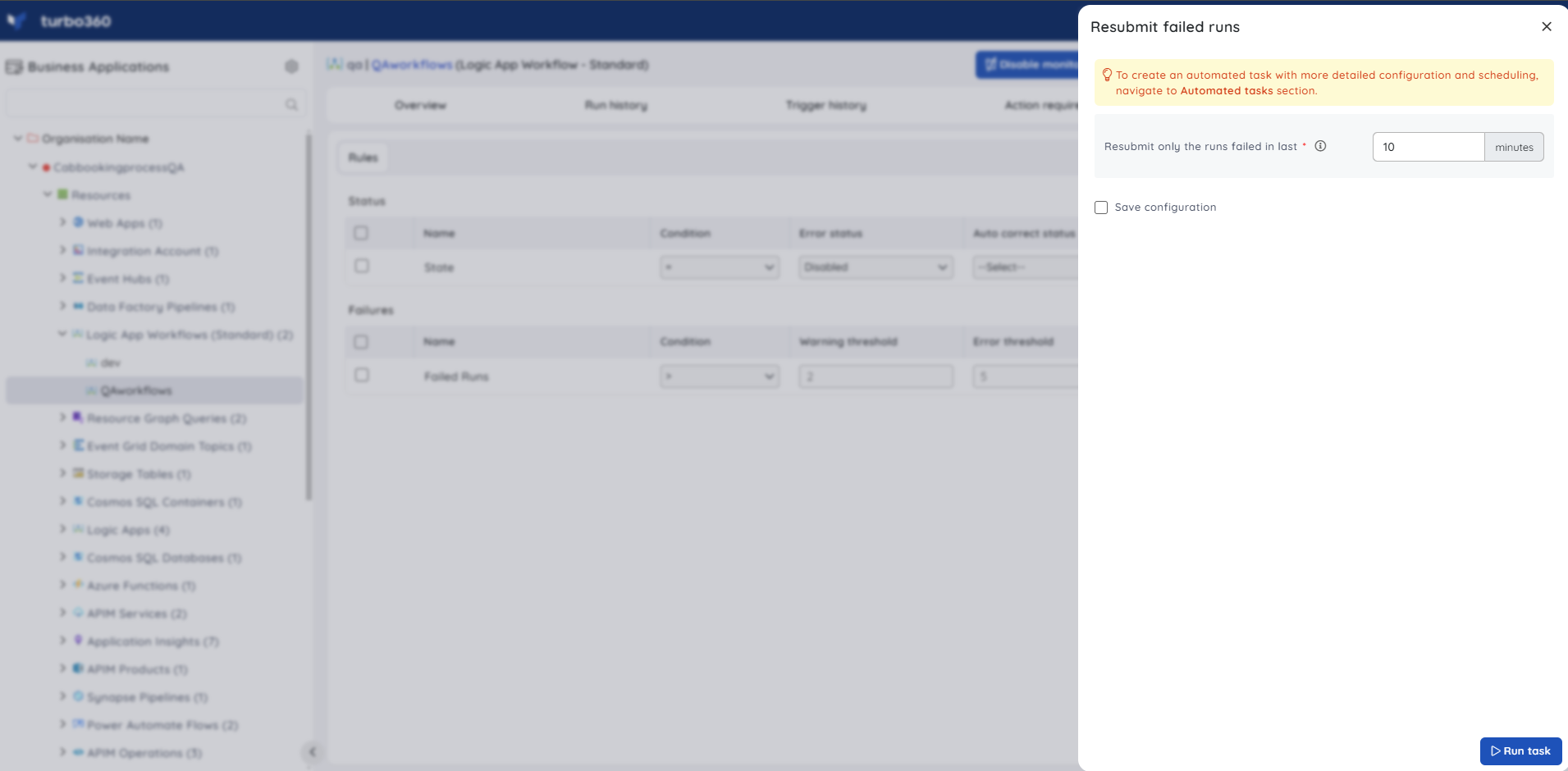
Storage Account
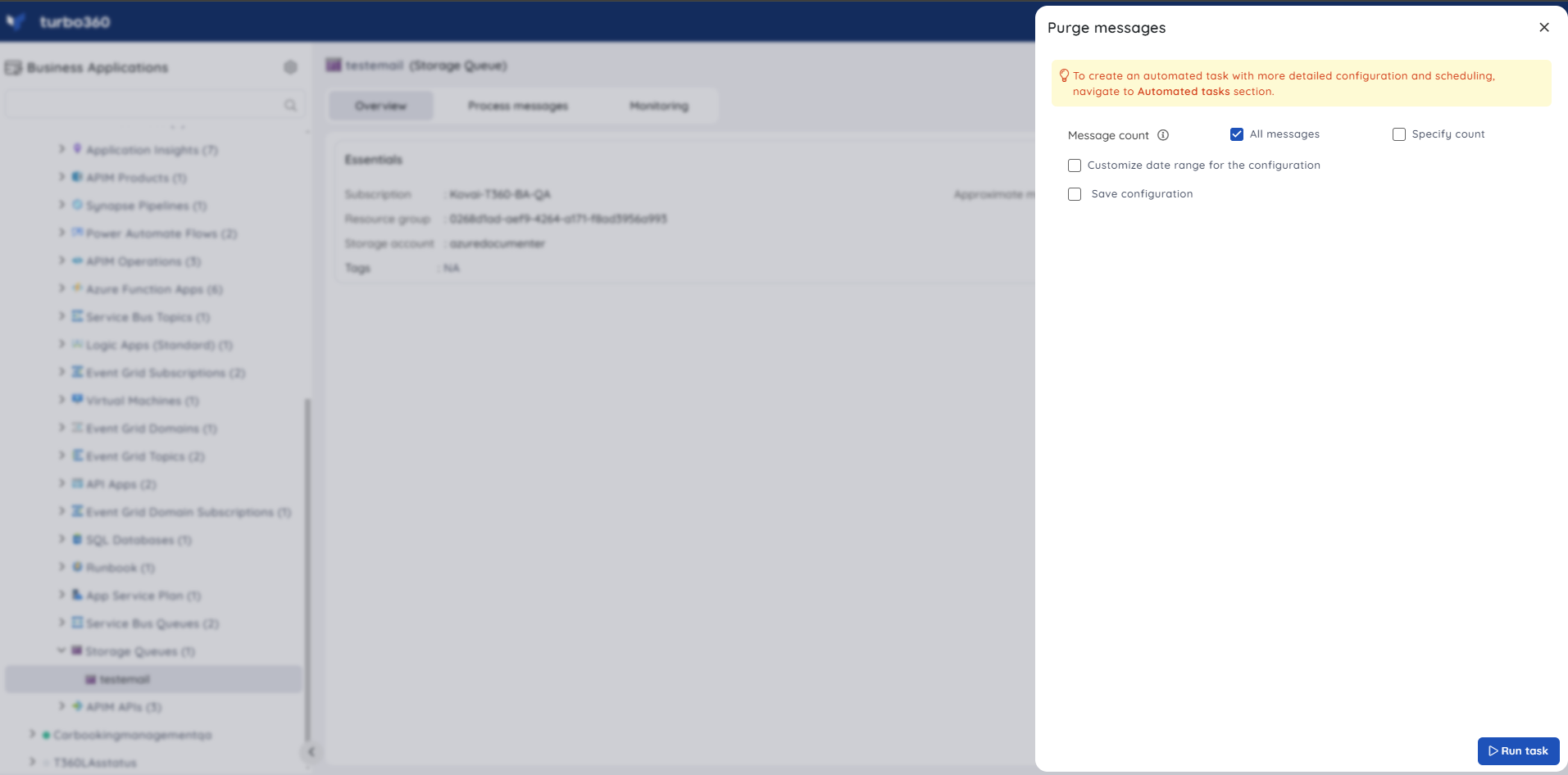
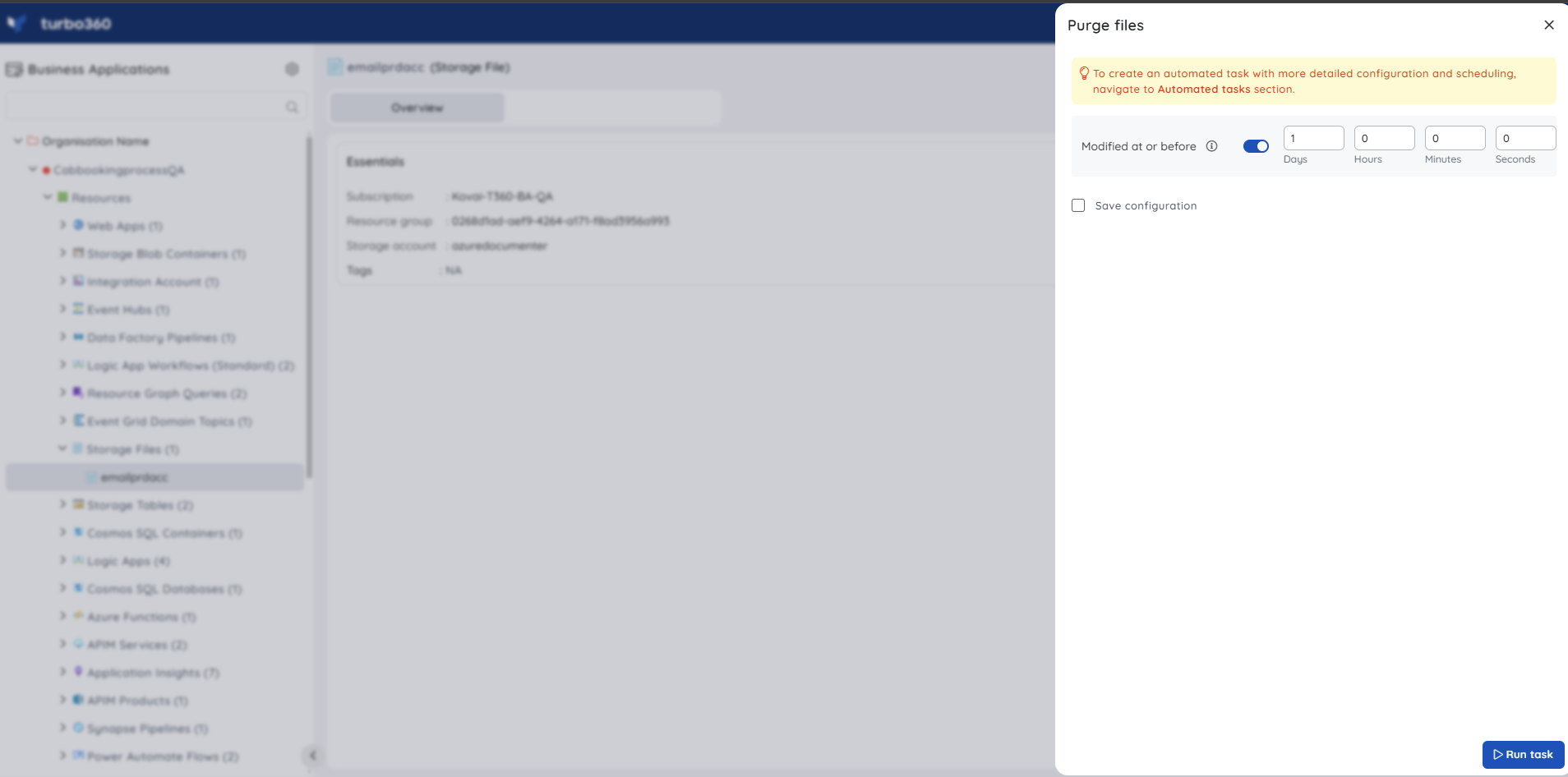
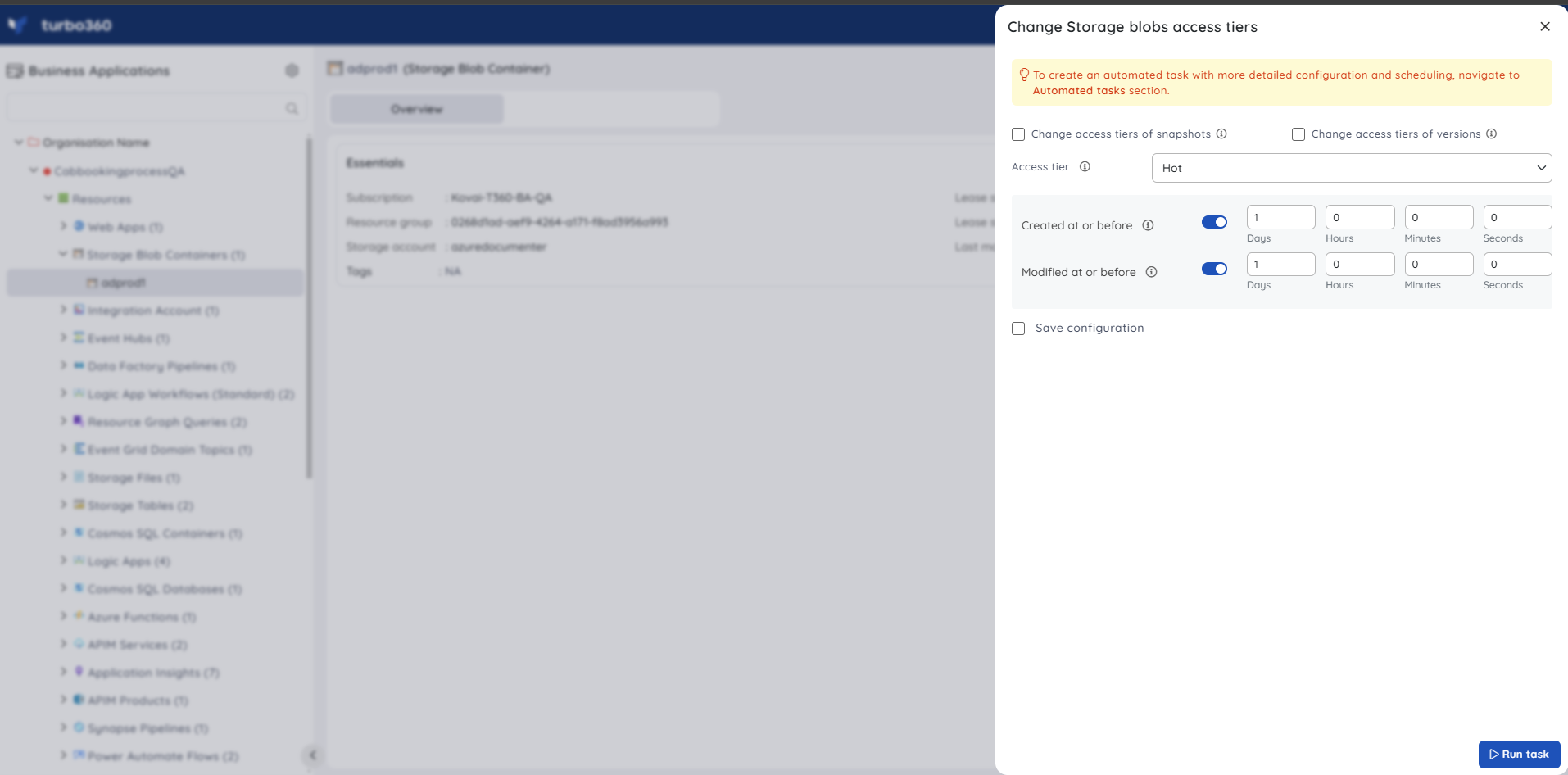
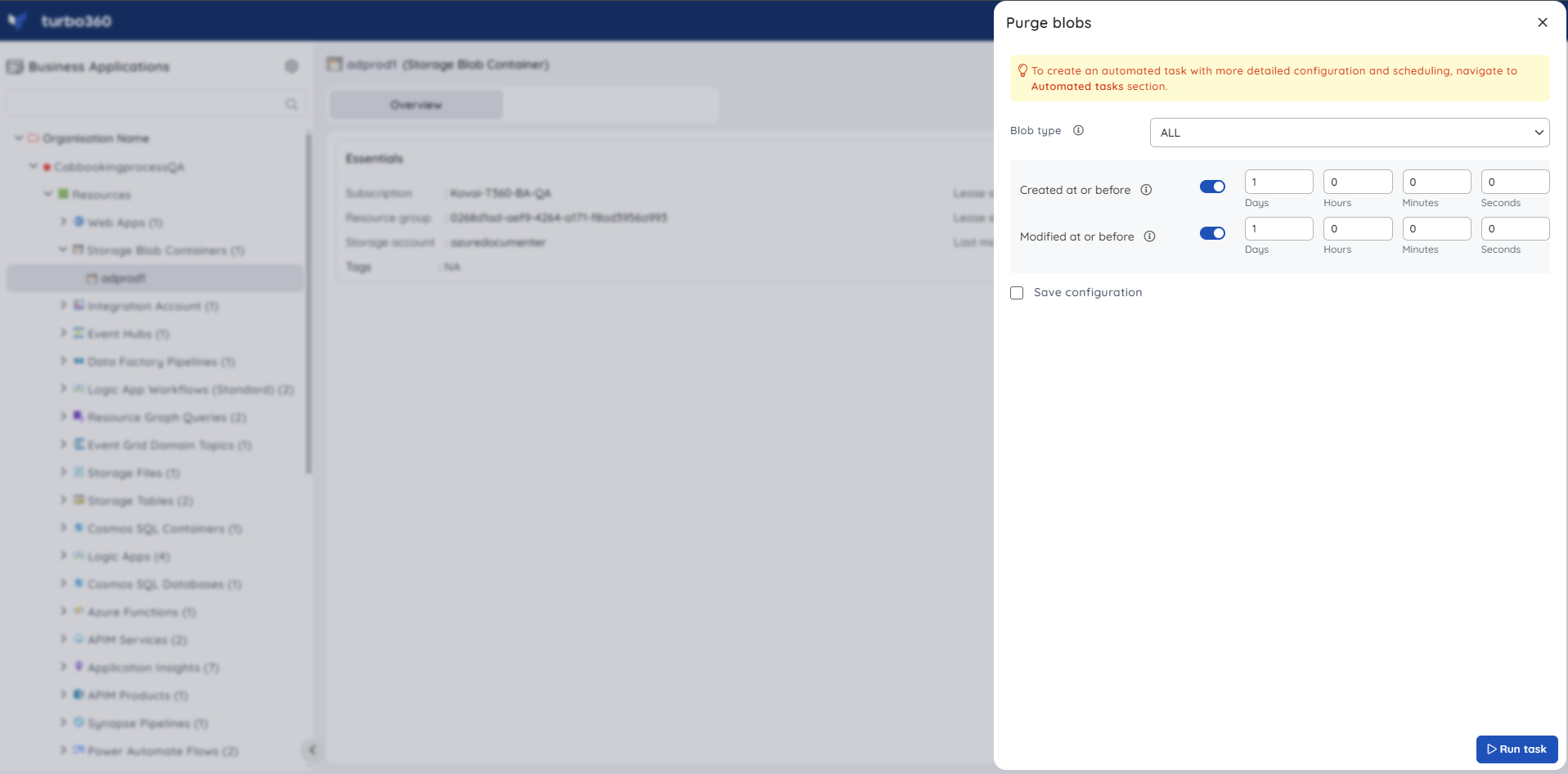
Storage File, Storage Table, and Storage Queue support purge operations only. Storage Blob Containers additionally support the Change Blob Access Tier inline task.
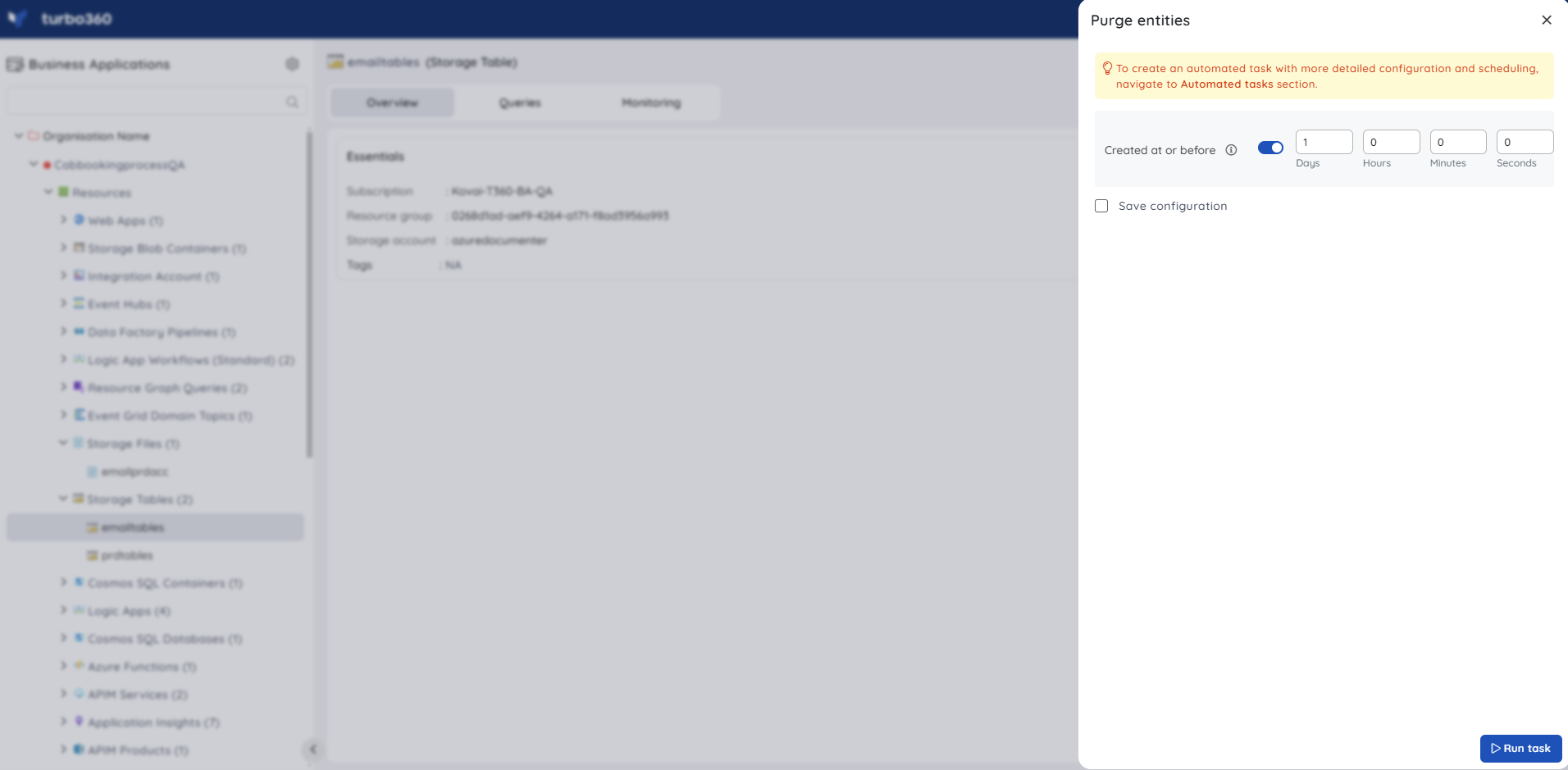
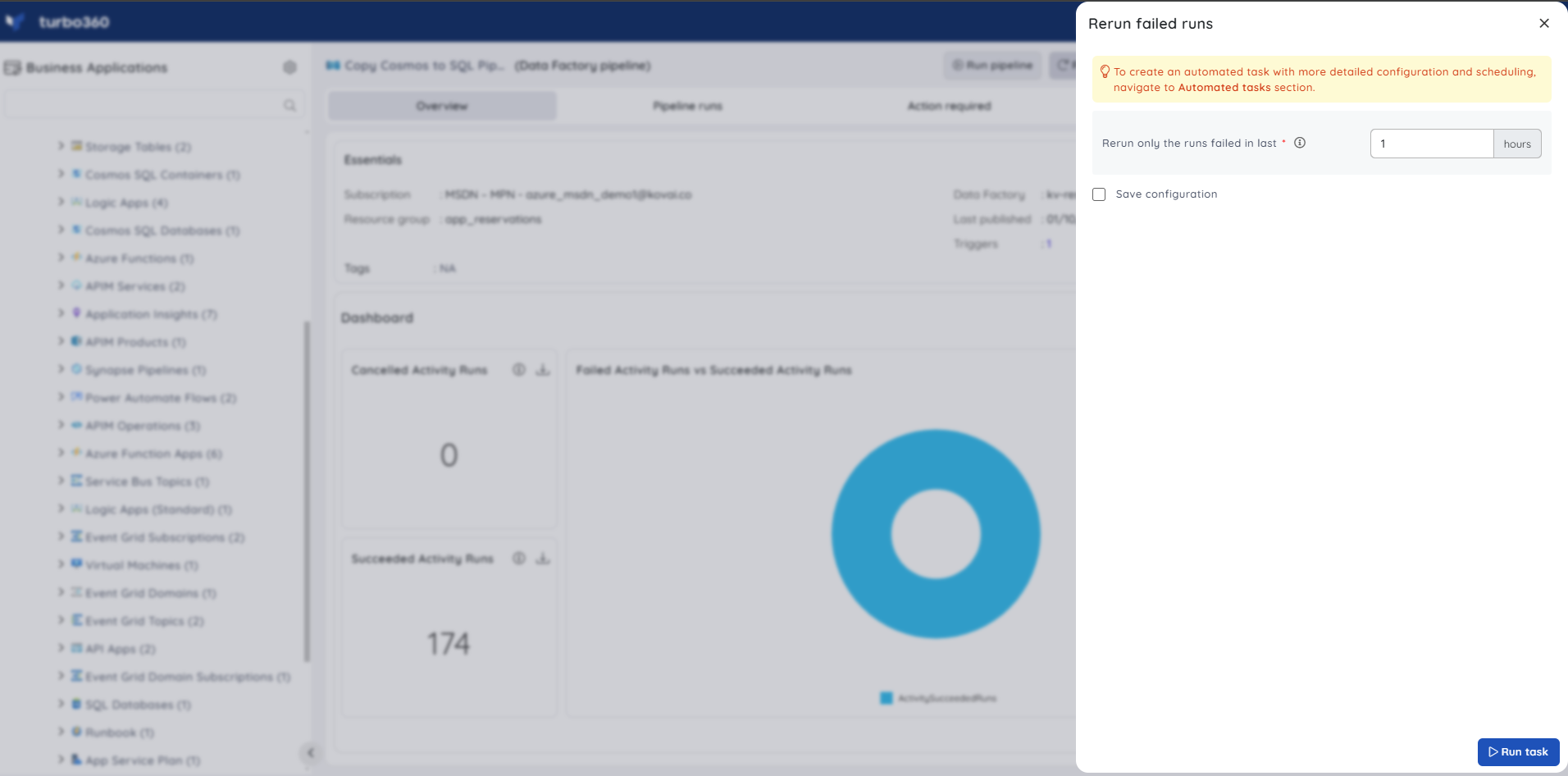
Data Factory pipeline
Data Factory pipeline supports inline automated tasks for rerunning pipeline runs that failed within a specified time range.
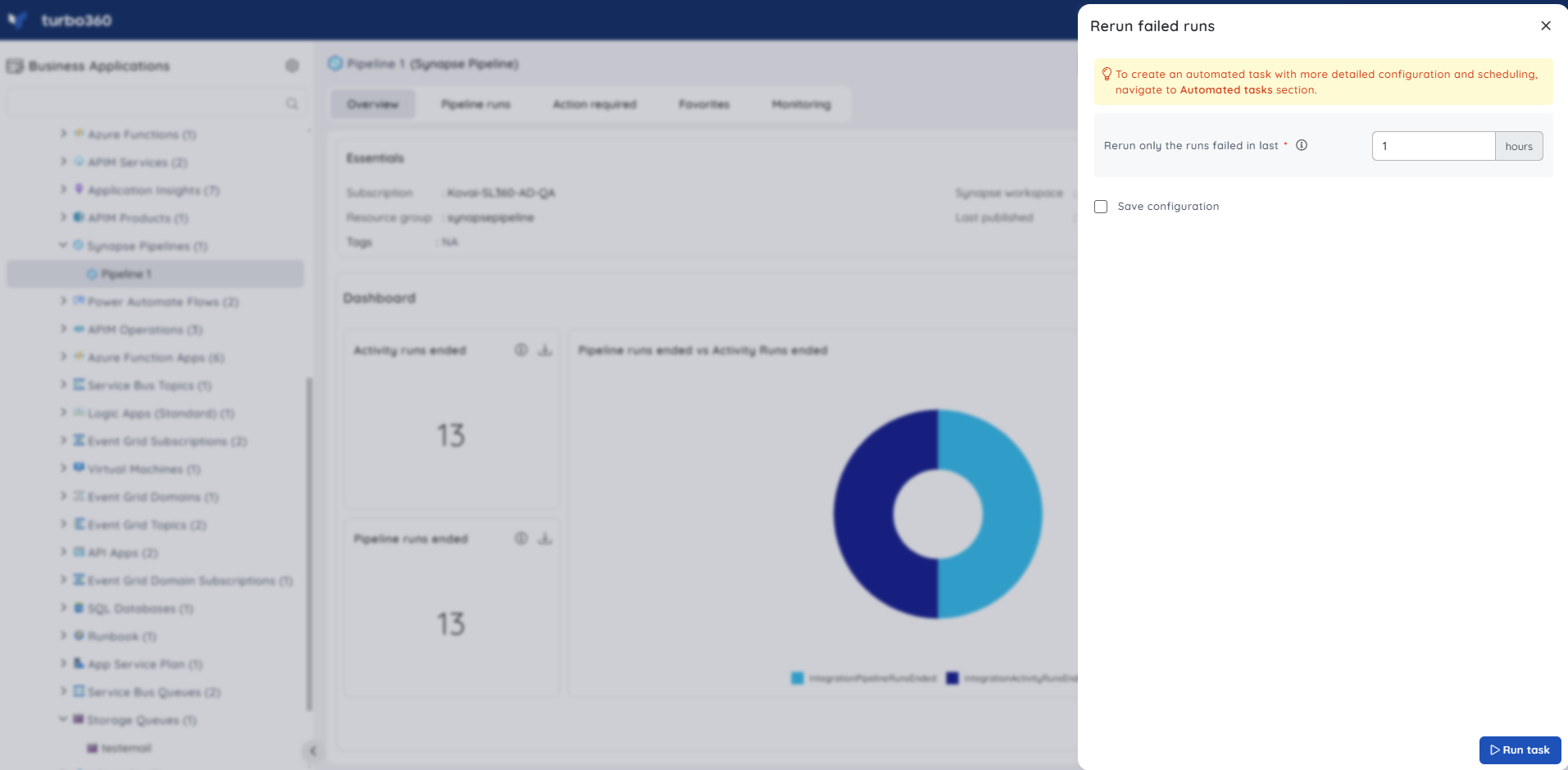
Synapse pipeline
Synapse pipeline supports inline automated tasks for rerunning pipeline runs that failed within a specified time range.
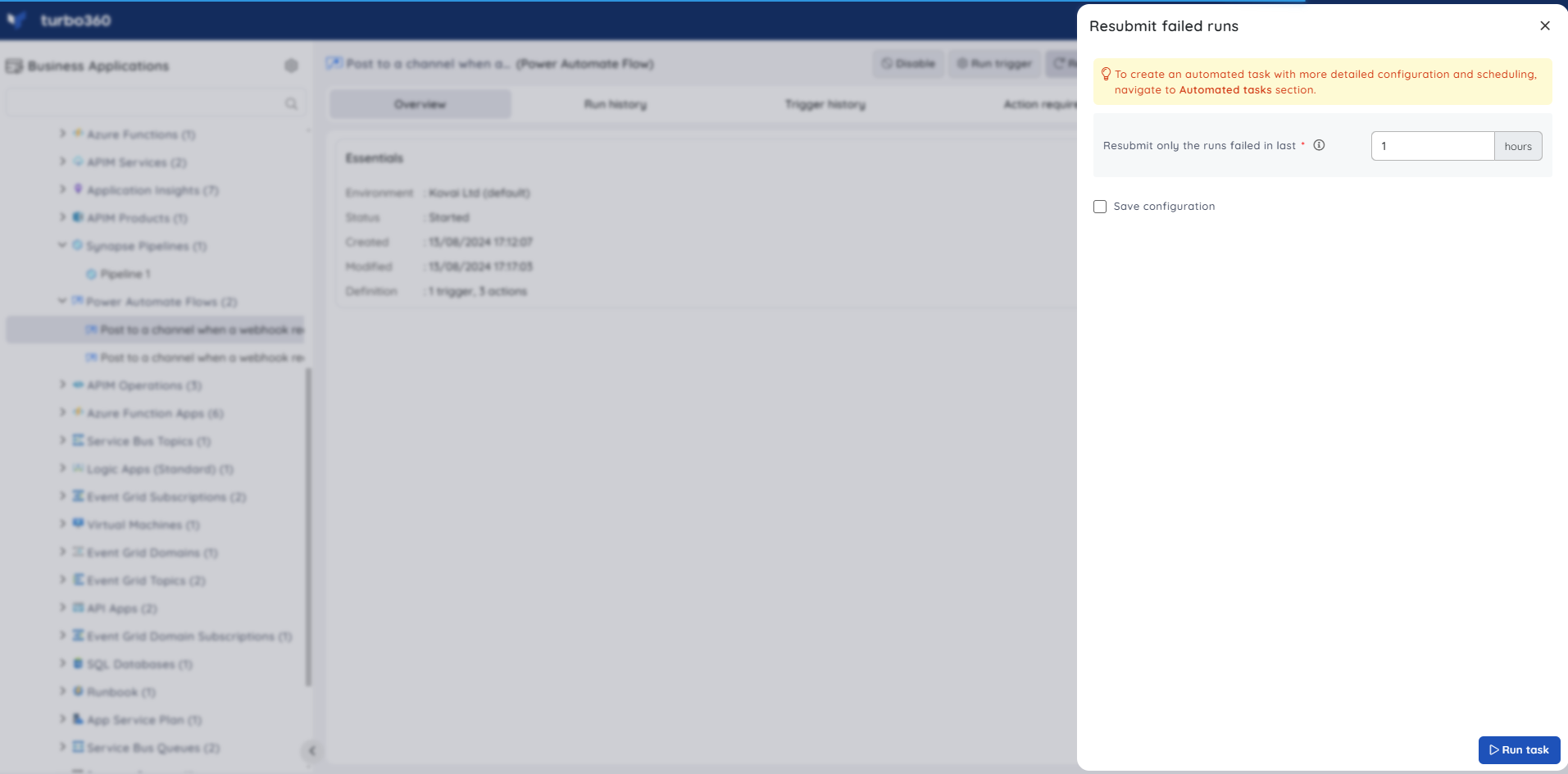
Power Automate Flow
Power Automate Flow supports inline automated tasks for resubmitting flow runs that failed within a specified time range.
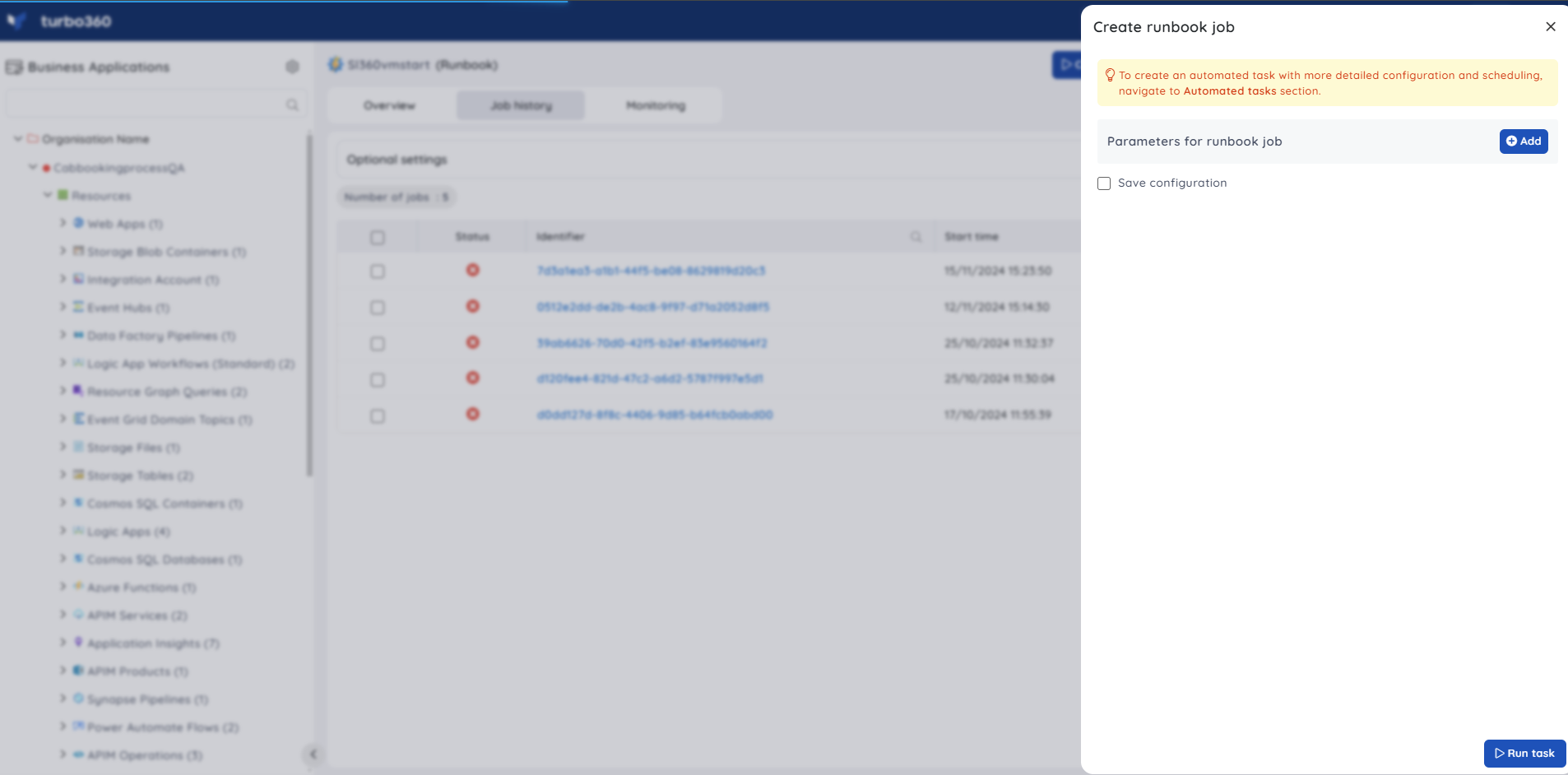
Runbook
Runbook supports inline automated tasks for creating runbook jobs, with or without parameters.
Databrick Workflow Job
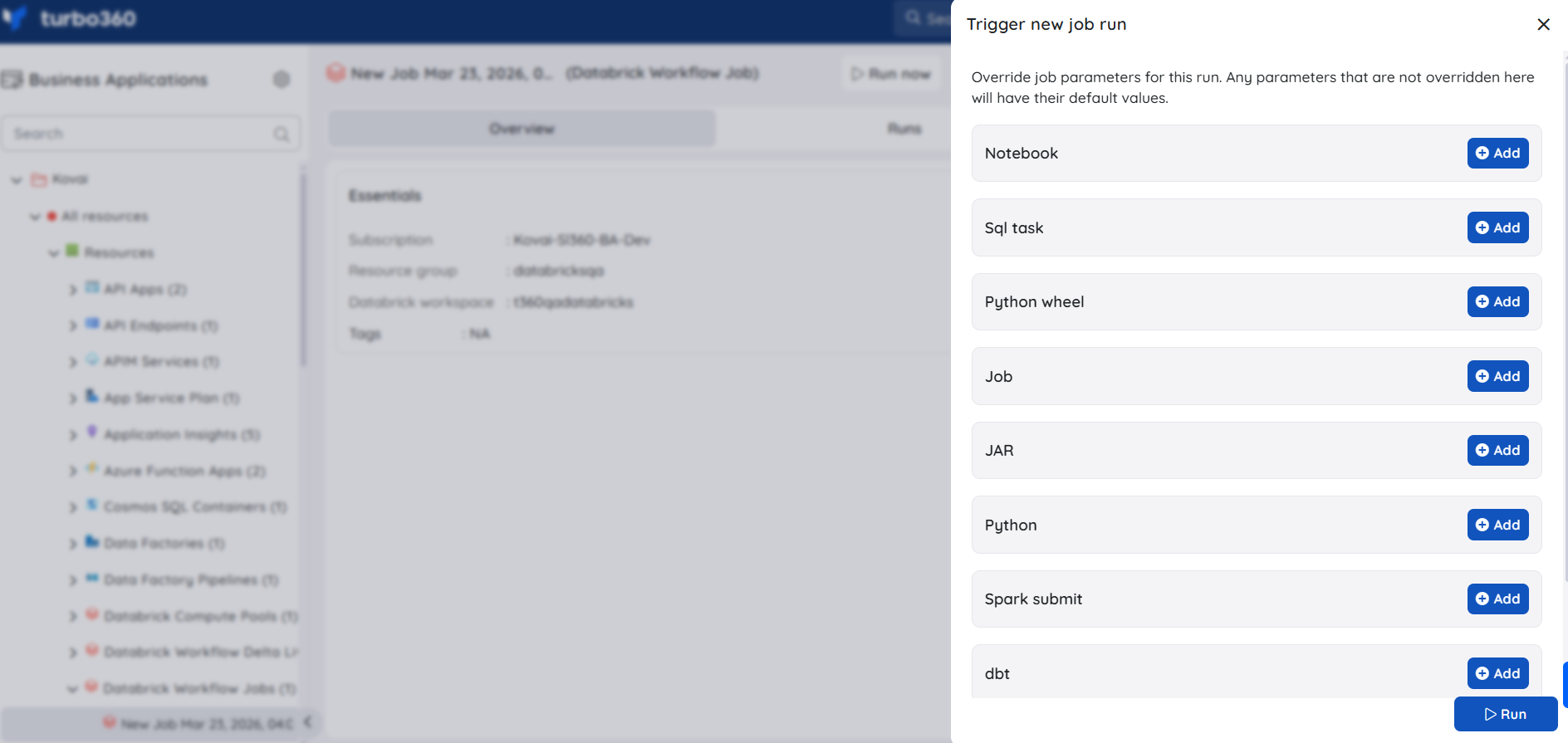
Databrick Workflow Job supports inline automated tasks for triggering jobs, with or without parameter overrides.
Limitations
- Inline automated tasks support on-demand and scheduled execution. For advanced scheduling requirements, use the dedicated Automated task feature.
- Power Automate Flow is supported for resubmission only — other operation types are not available for this resource.
Troubleshooting
Inline task option not visible for a resource
Cause: The resource type does not support inline automated tasks, or the required Automated Task - Manage permission is not assigned.
Fix: Verify the resource is in the supported list above. Confirm the user has the Automated Task - Manage permission assigned in their role.Purge operation fails with a permission error
Cause: The user has Automated Task - Manage permission but lacks the resource-level Purge permission.
Fix: Assign the Purge permission (with at minimum Read access) on the resource in the user's role configuration.Resubmit or rerun operation has no effect
Cause: The resource-level Reprocess permission is missing. For Logic App and Logic App Workflow (Standard), both Read and Reprocess are required in addition to Automated Task - Manage.
Fix: Update the user's role to include the Reprocess permission on the relevant resource.Saved inline task does not appear in Automated task
Cause: The configuration was not saved — only executed immediately.
Fix: Complete the task configuration form and select the save option before executing to persist it as a scheduled inline task.Send events task fails for Event Grid or Event Hub
Cause: The resource-level Manage permission is not assigned.
Fix: Assign the Manage permission on the Event Grid topic, Event Grid domain topic, or Event Hub resource in the user's role.
Related articles
Was this article helpful?