

Optimization opportunities
- 05 Aug 2026
- 2 Minutes to read
- Print
- DarkLight
- Download PDF
Optimization opportunities
- Updated on 05 Aug 2026
- 2 Minutes to read
- Print
- DarkLight
- Download PDF
Article summary
Did you find this summary helpful?
Thank you for your feedback!
Overview
The Optimization section in Cost Analyzer provides a set of tools to actively reduce Azure spending by automating resource actions, applying rightsizing recommendations, and leveraging Azure commitment-based pricing. It is accessible as a tab within any cost management group and contains eight capabilities.
Business value
- Automate resource scaling and cleanup to eliminate idle spend
- Act on AI-powered rightsizing and reservation recommendations
- Track the financial impact of every optimization action taken
- Reduce commitment costs through Savings plans, Hybrid benefits, and Spot instances
How it works
Schedules
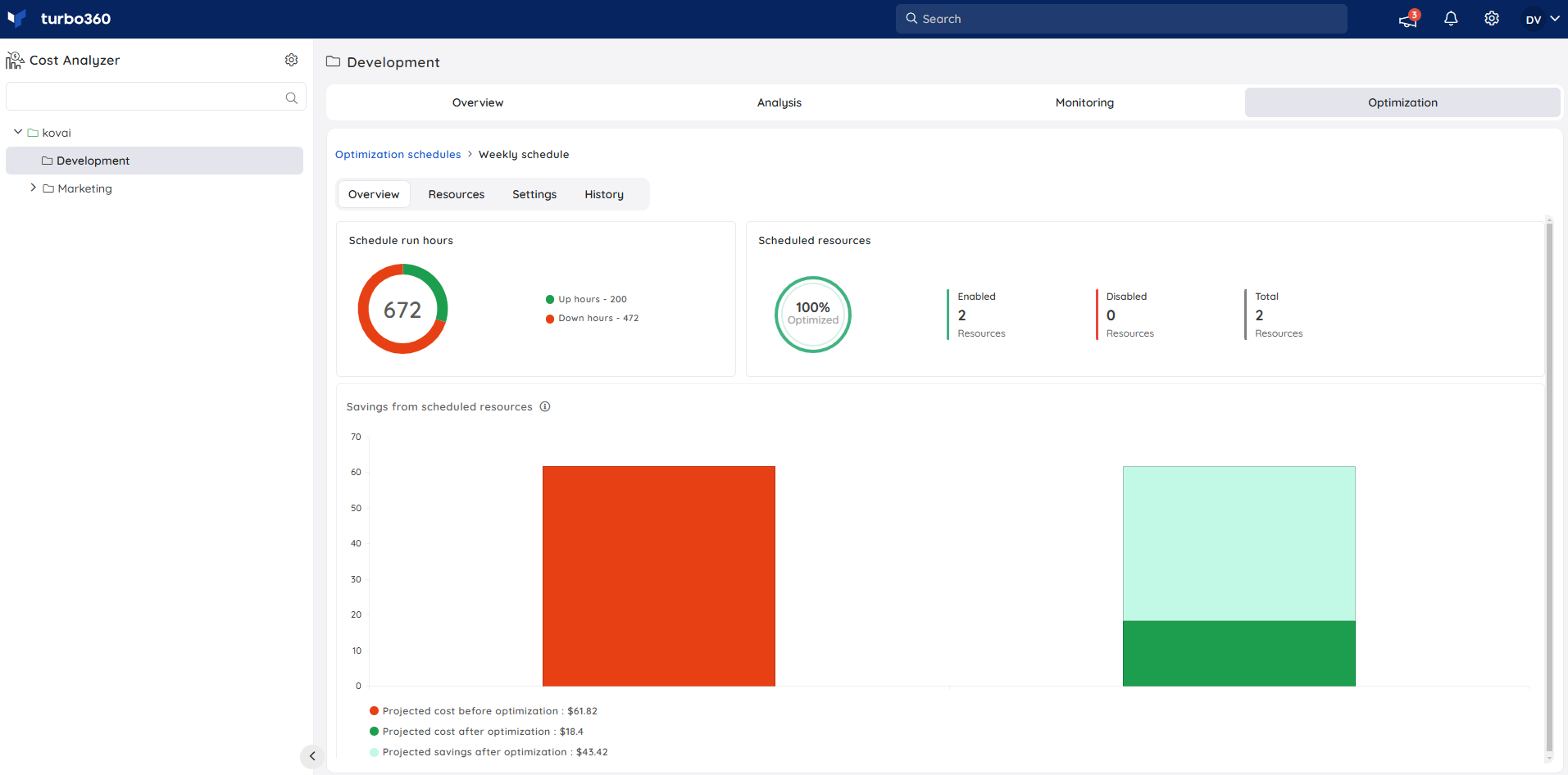
Automatically scales Azure resources up or down — or starts and stops them — based on defined business hours. Supports 13 resource types including Virtual Machines, SQL Databases, App Service Plans, Cosmos DB, Logic Apps, and more. Integrates with Task planner to track every optimization action.
Workflows
Automates cost-reduction tasks for specific Azure resource types on demand or on a schedule. Supports three storage account tasks (purge blobs, change access tier, purge files) and an AVD host pool task (kill idle sessions).
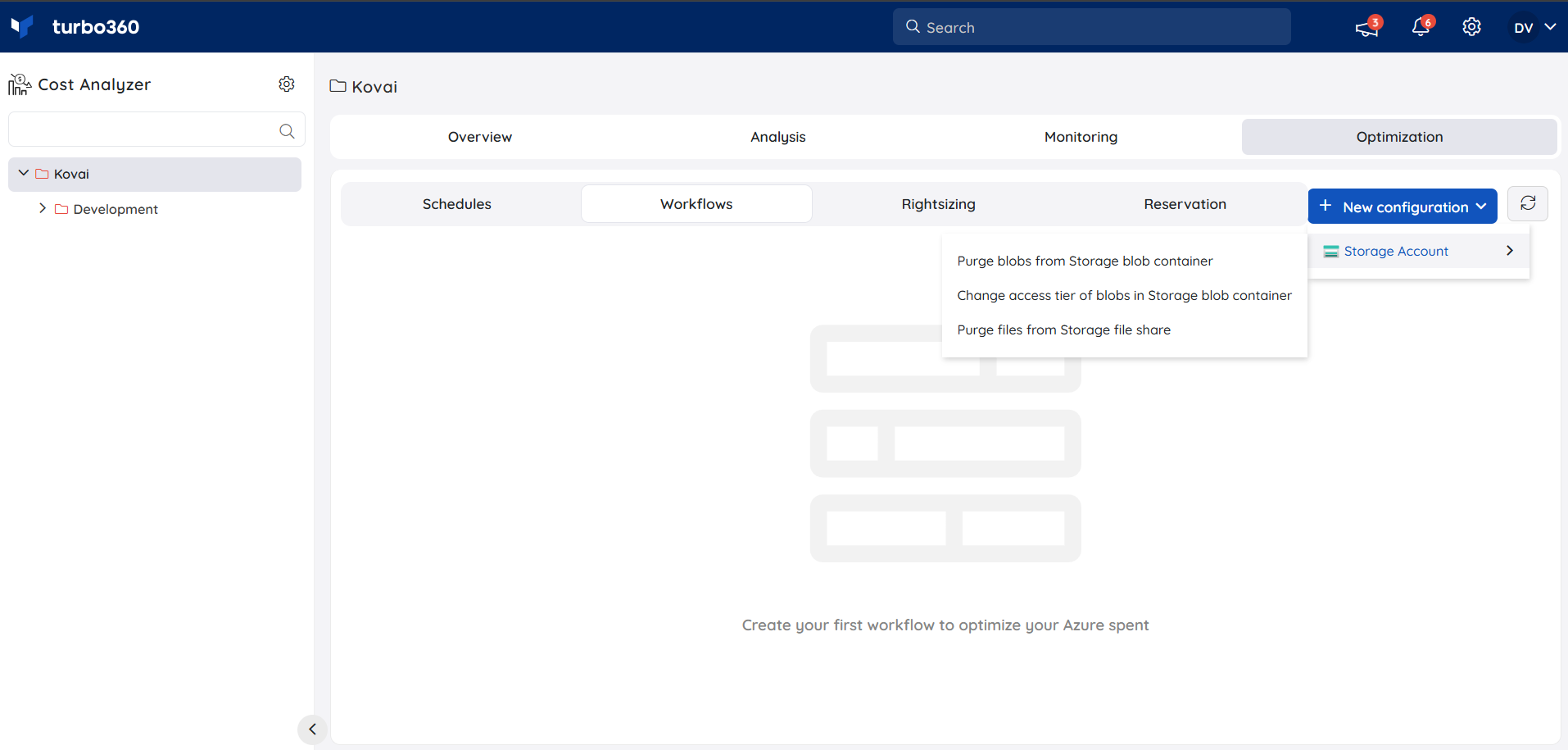
→ Storage account workflow · Kill idle sessions workflow
Rightsizing
Provides AI-powered recommendations to resize underutilized Azure resources to a more appropriate SKU, reducing waste without impacting performance. Supports basic and advanced recommendation modes.
Reservations
Surfaces recommendations to purchase Azure Reservations for predictable workloads — committing to 1-year or 3-year terms in exchange for significantly lower rates compared to pay-as-you-go pricing.
Savings plans
Identifies opportunities to purchase Azure Savings Plans, which provide discounted rates across a broader range of services in exchange for a commitment to a consistent hourly spend over 1 or 3 years.
Hybrid benefits
Analyzes eligible Azure resources and surfaces recommendations to apply Azure Hybrid Benefit — using existing on-premises Windows Server or SQL Server licenses to reduce the cost of running those workloads in Azure.
Spot instances
Identifies virtual machines that are suitable candidates for Azure Spot Instances, which offer significant cost savings by using unutilized Azure capacity at a reduced price.
Other recommendations
Surfaces additional Azure Advisor-based cost optimization recommendations that don't fall under the specific categories such as unused resources, orphaned disks, and other cost-saving opportunities.
FAQs
Where do I access Optimization in Cost Analyzer?
Click the Optimization tab within any cost management group. The eight capabilities are available as sub-tabs: Schedules, Workflows, Rightsizing, Reservations, Savings plans, Hybrid benefits, Spot instances, and Other recommendations.What is the Impact tracker?
The Impact tracker button in the Optimization tab shows a consolidated view of the financial impact of all optimization actions taken across the cost management group — savings realized from schedules, rightsizing, and other actions.Which commitment-based features require additional Azure permissions?
Rightsizing actions and Reservations require the service principal to have Reservation Reader access at the subscription scope in addition to the standard Reader role.
Related articles
Was this article helpful?